Home ~ Knowledge Base

Our Knowledge Base

Browse our articles and guides to get the most out of our platform.

< Back to Knowledge Base

How to change the Preloader?

Updated April 8, 2025

Step 1:

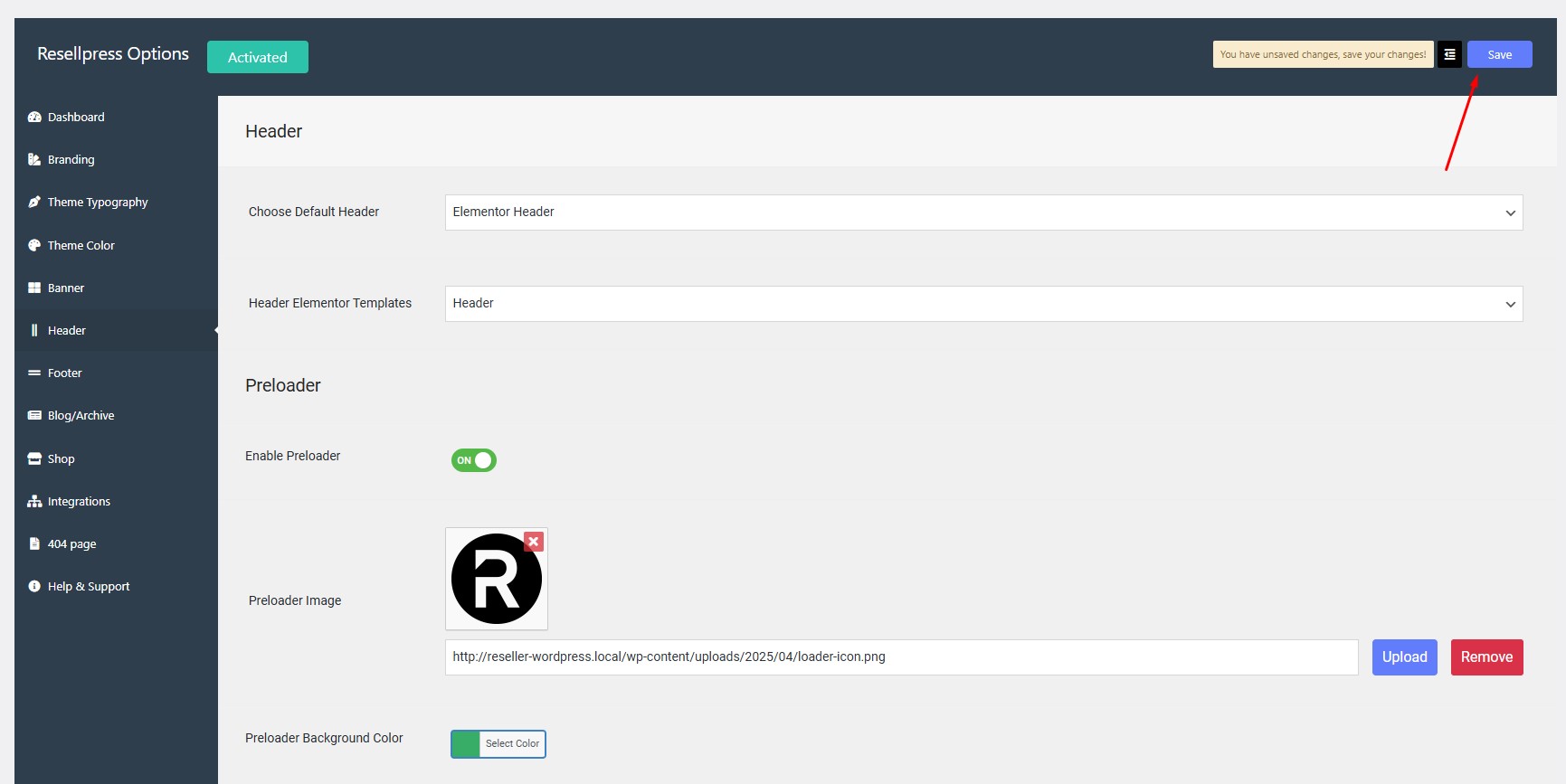
Navigate to Options > Header > Preloader.

Step 2:

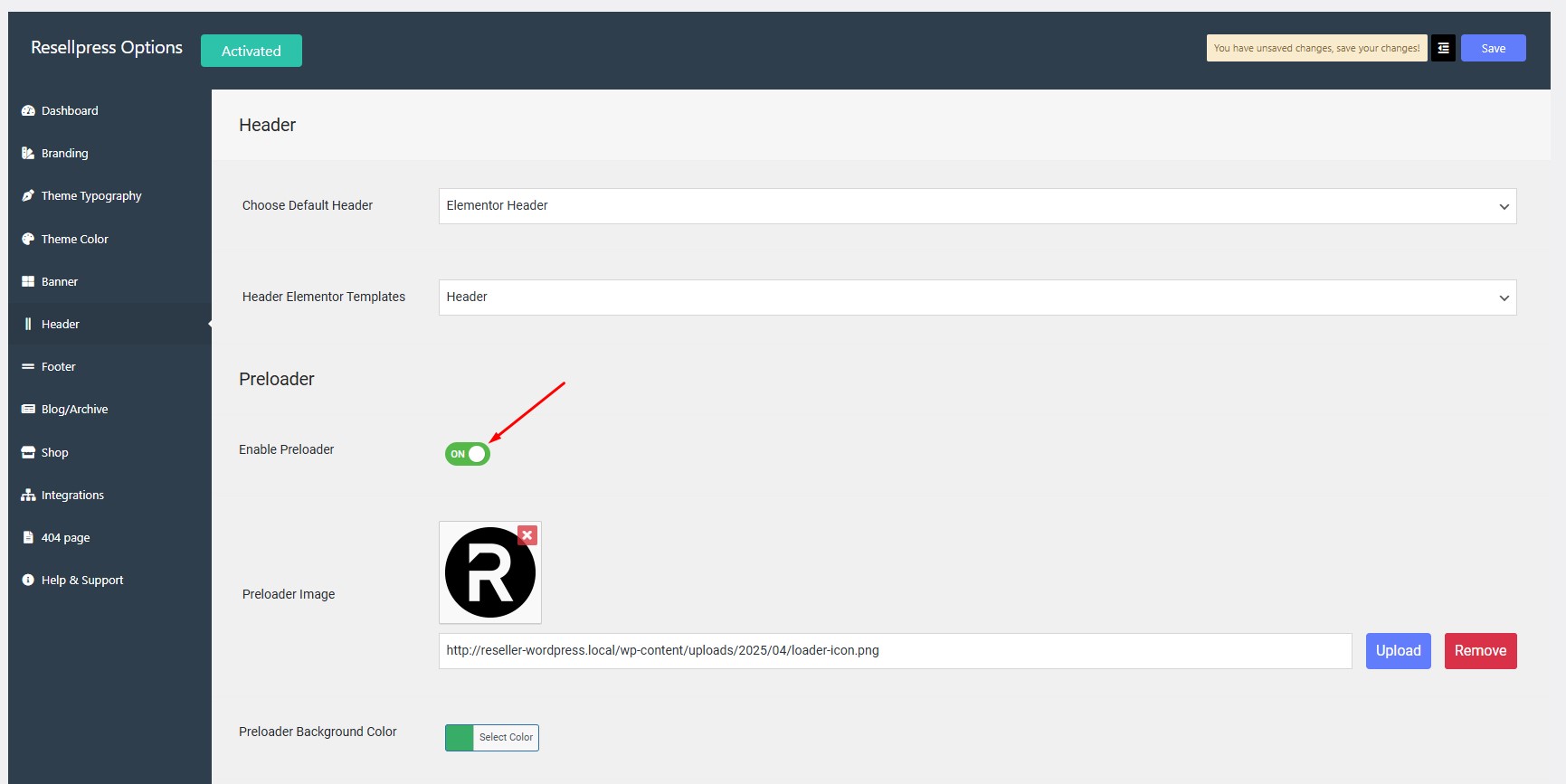
Click on toggle button to Enable Preloader.
Step 3:

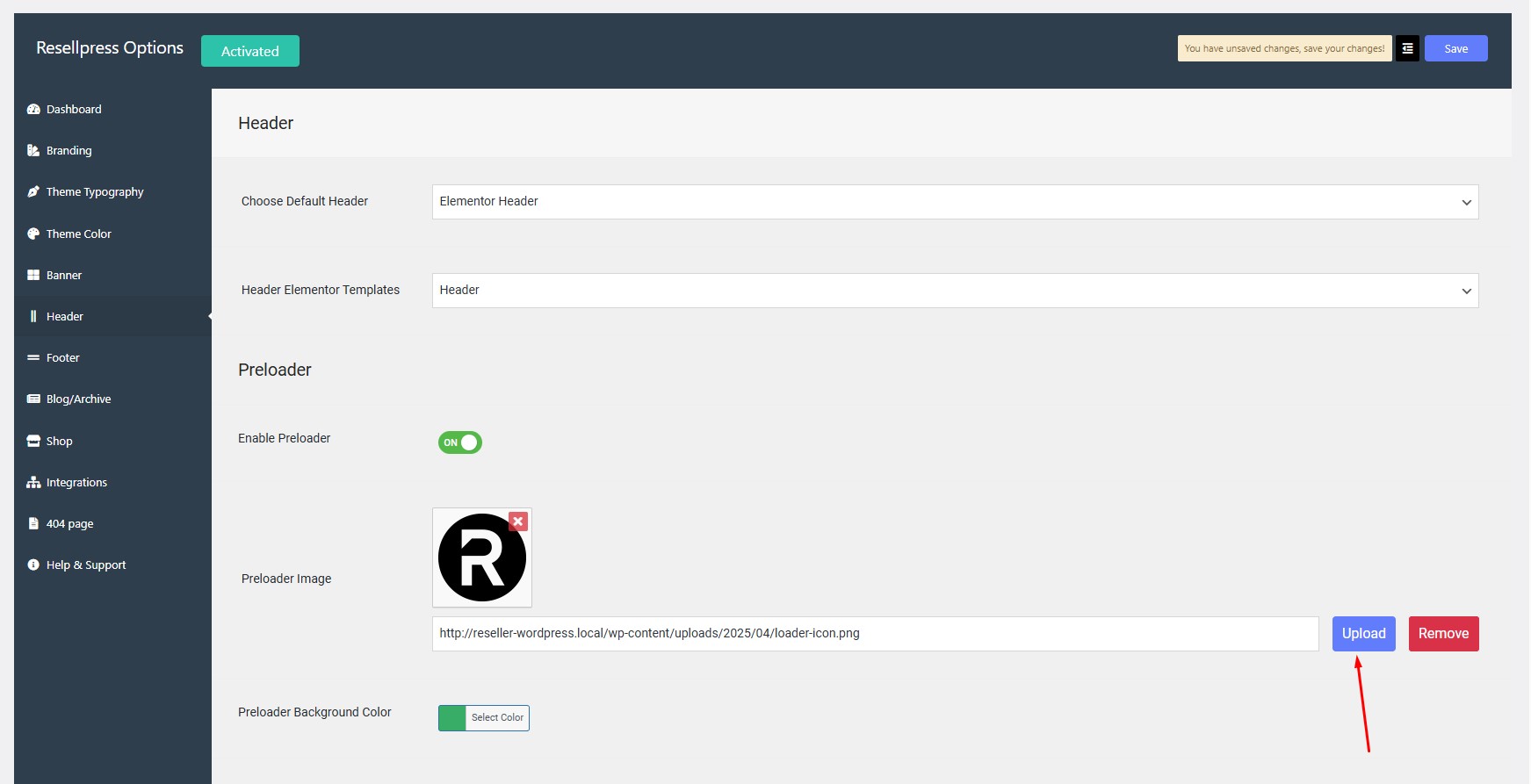
Click on upload button to add Preloader Image.
Step 4:

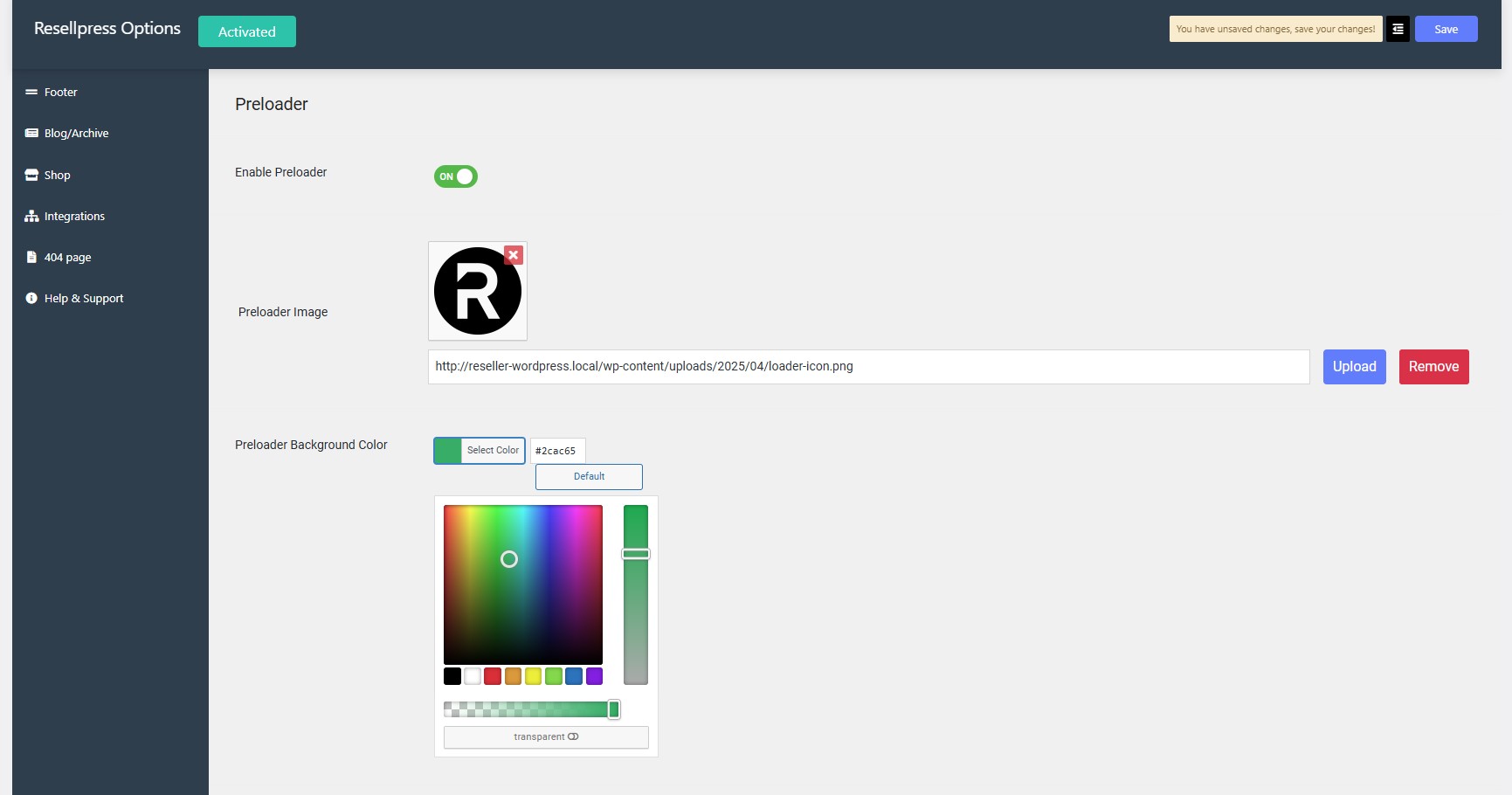
Click on select color option to change the Preloader Background Color.
Step 5:

Click on save button.

How to change the favicon?

gives you all the tools and designs you need to go live and grow faster.