Browse our articles and guides to get the most out of our platform.
Updated April 8, 2025
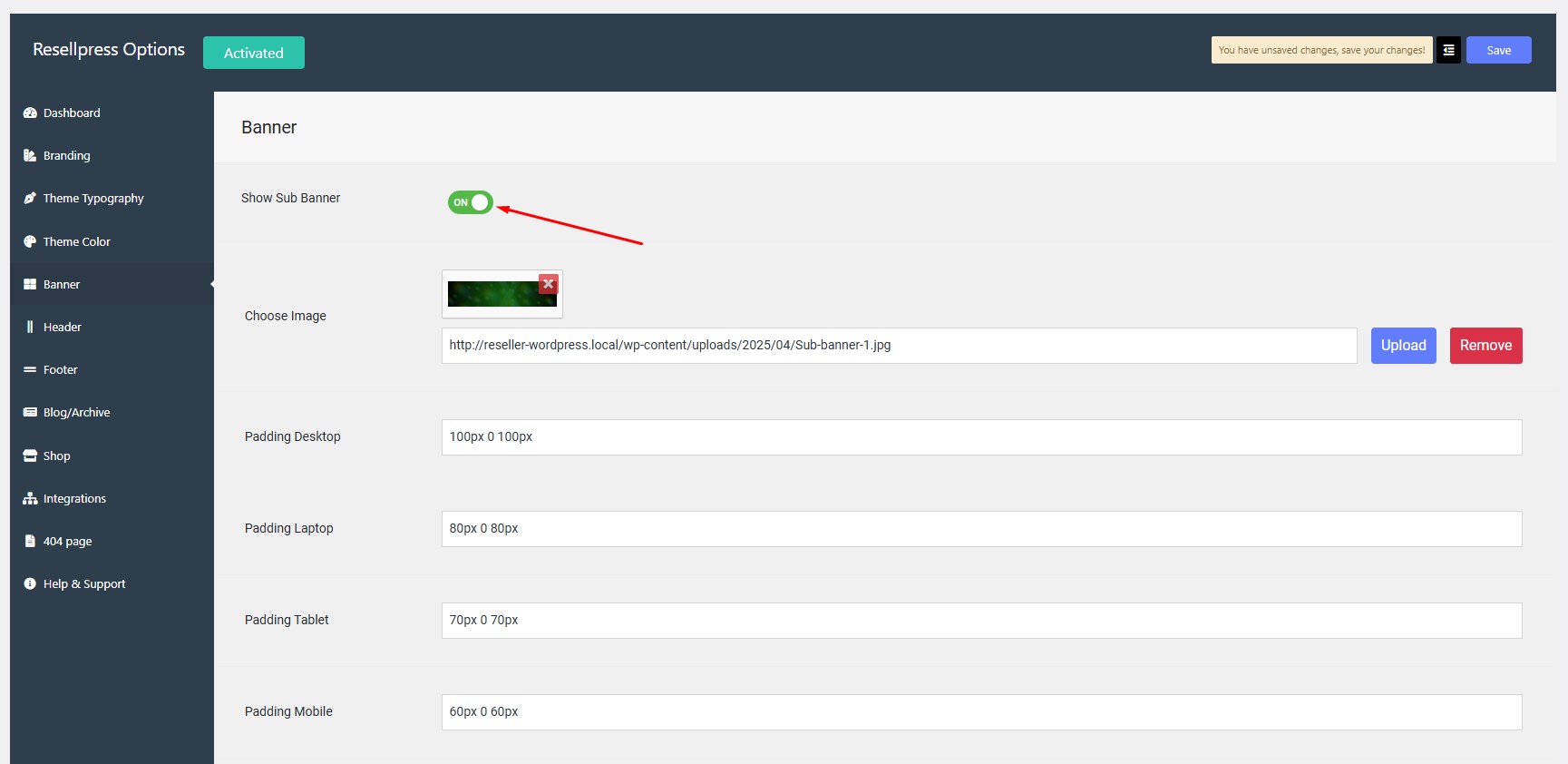
Navigate to Options > Banner > Show Sub Banner.
Click on toggle button to Show Sub Banner.
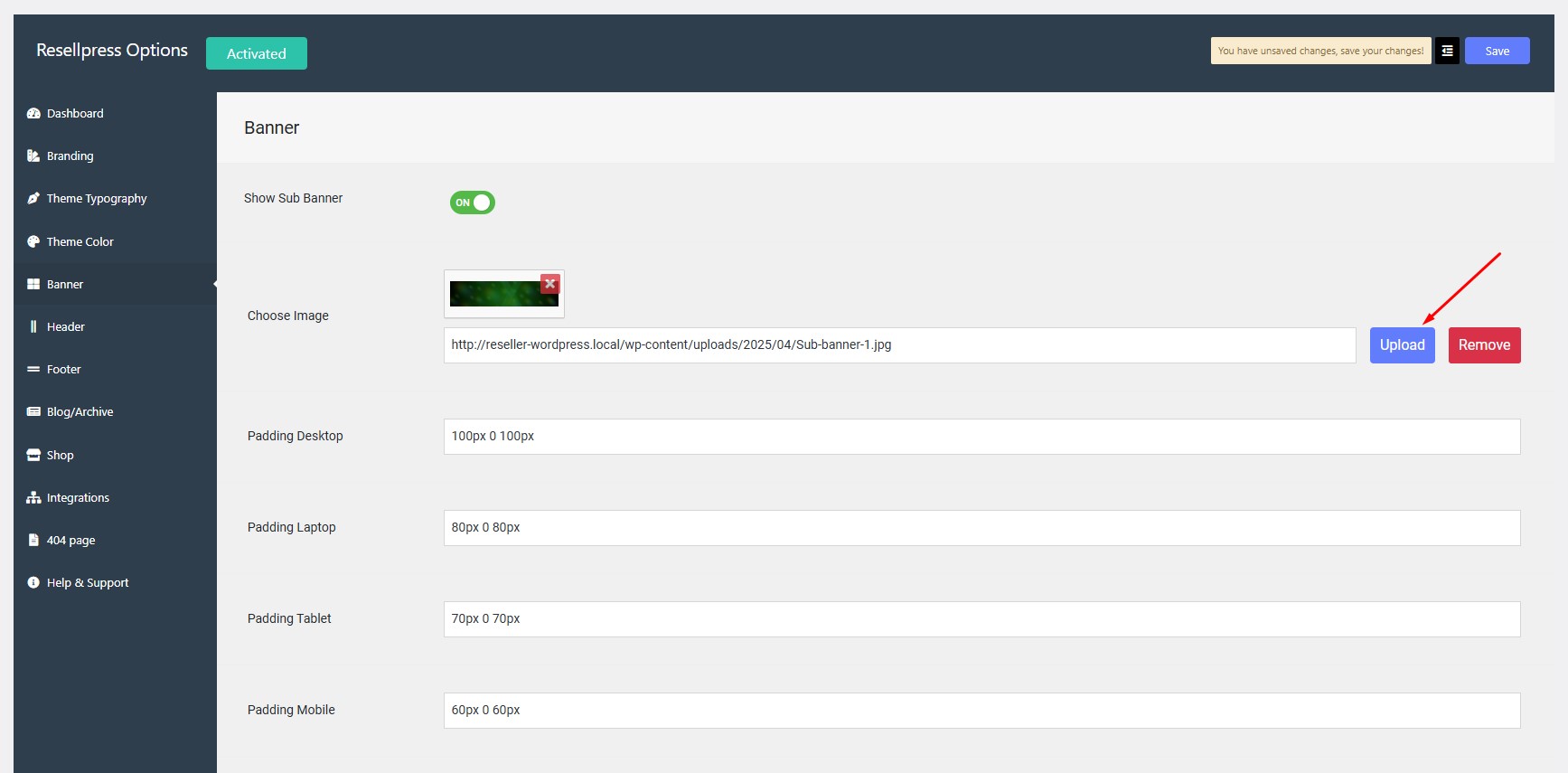
Click on upload button to Choose Image and select the image.
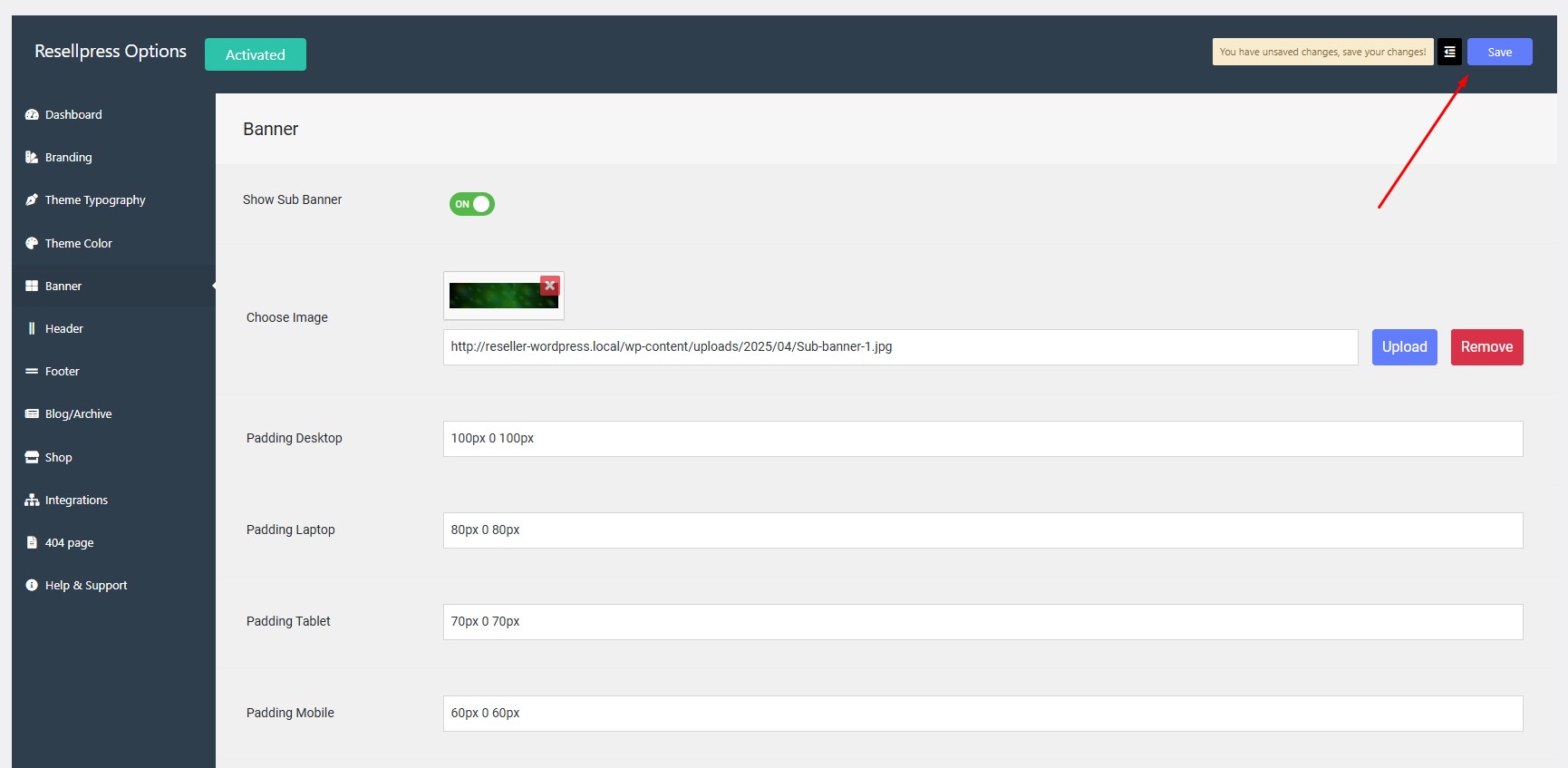
Click on save button.
WordPress Demo
AI Chatbot
AI Domain Generator