Home ~ Knowledge Base

Our Knowledge Base

Browse our articles and guides to get the most out of our platform.

< Back to Knowledge Base

How to get the Identifier and Secret?

Updated April 8, 2025

Step 1:

Login to your WHMCS Admin.

Step 2:

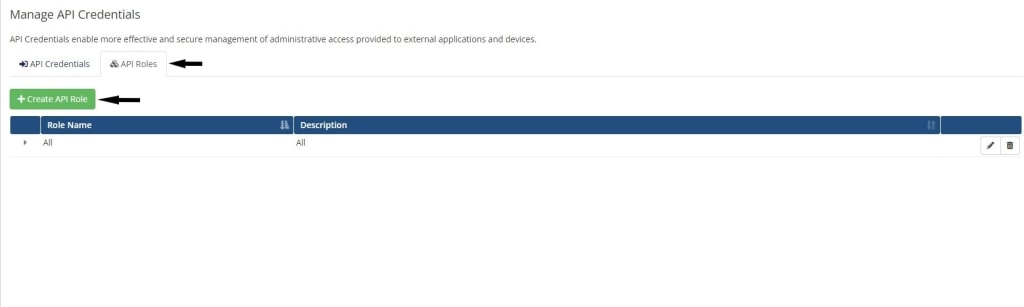
Navigate to General > API Credentials.
WHMCS API Credentials Page

Step 3:

Click on Create API Role.

Create API Role

Step 4:

Check all domain and product permissions from Allowed API Actions.
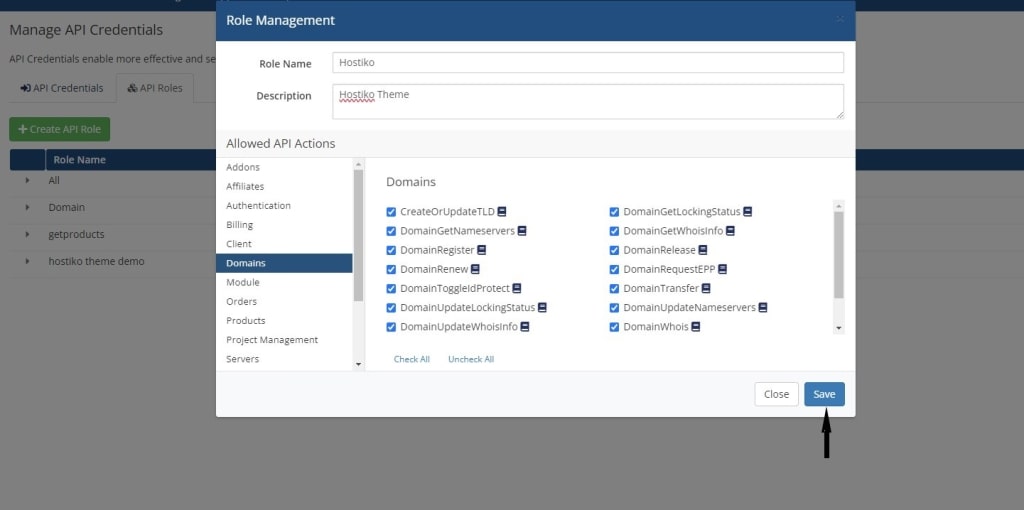
Allowed API Actions

Step 5:

Navigate to API Credentials and click Generate New API Credentials.
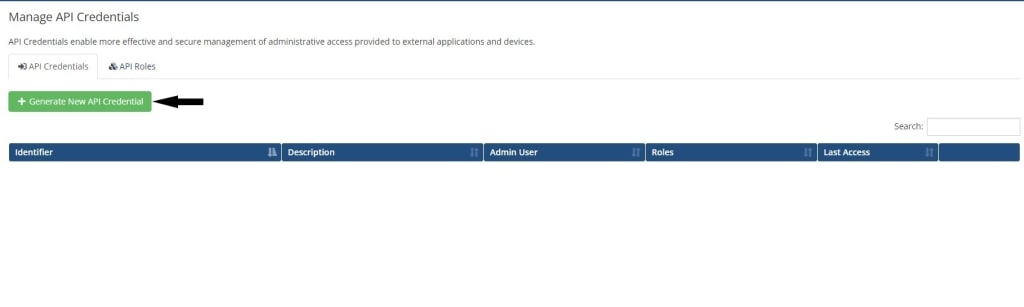
Generate New API Credentials

Step 6:

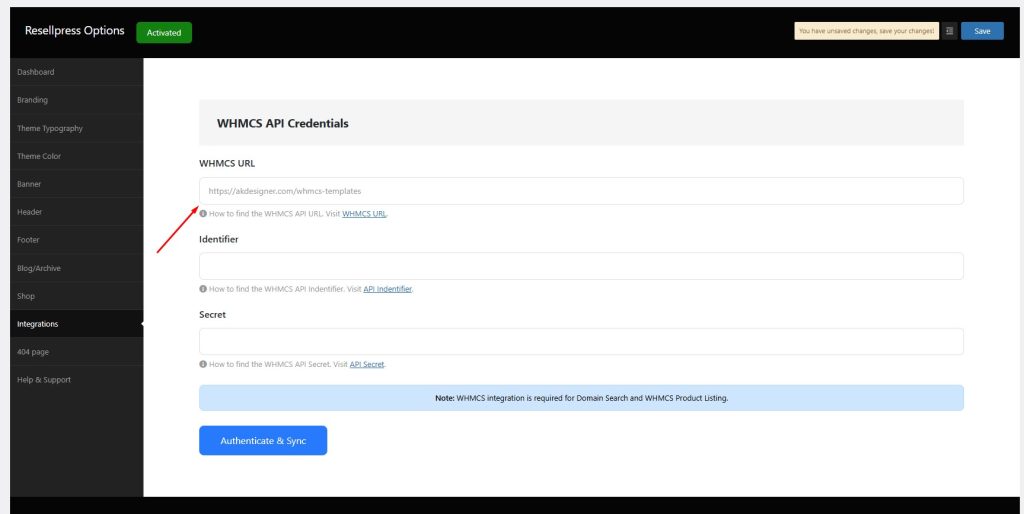
Copy the Identifier and Secret that have now been generated.
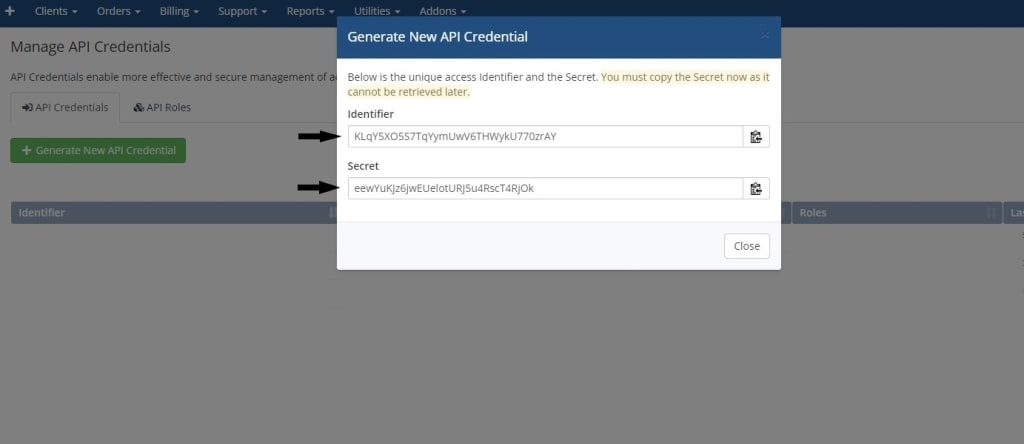
Copy API Identifier and Secret
How to get WHMCS URL?How to fix IP is blocked?

gives you all the tools and designs you need to go live and grow faster.