Home ~ Knowledge Base

Our Knowledge Base

Browse our articles and guides to get the most out of our platform.

< Back to Knowledge Base

How to get the Identifier and Secret?

Updated April 8, 2025

Step 1:

Login to your WHMCS Admin.

Step 2:

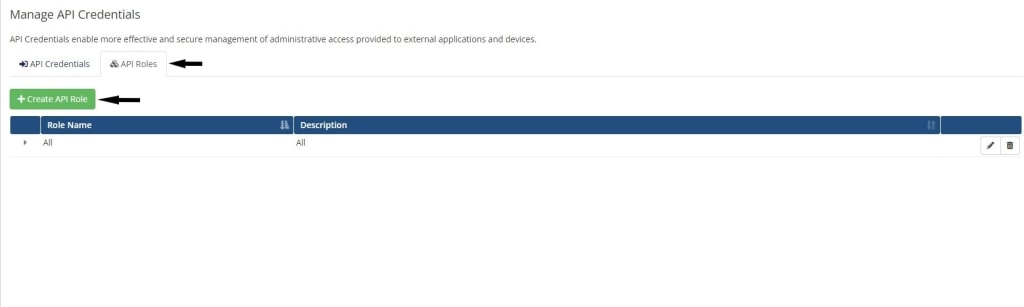
Navigate to General > API Credentials.
WHMCS API Credentials Page

Step 3:

Click on Create API Role.

Create API Role

Step 4:

Check all domain and product permissions from Allowed API Actions.
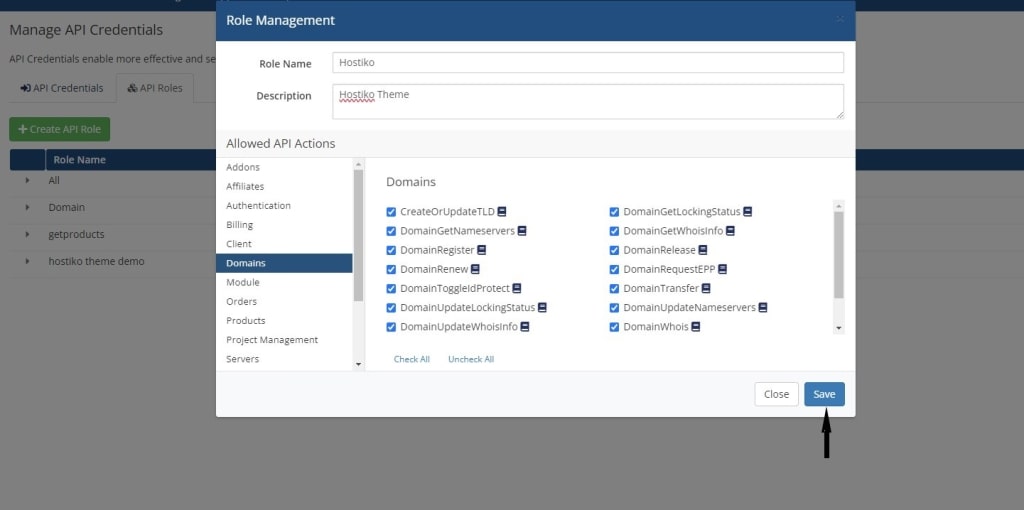
Allowed API Actions

Step 5:

Navigate to API Credentials and click Generate New API Credentials.
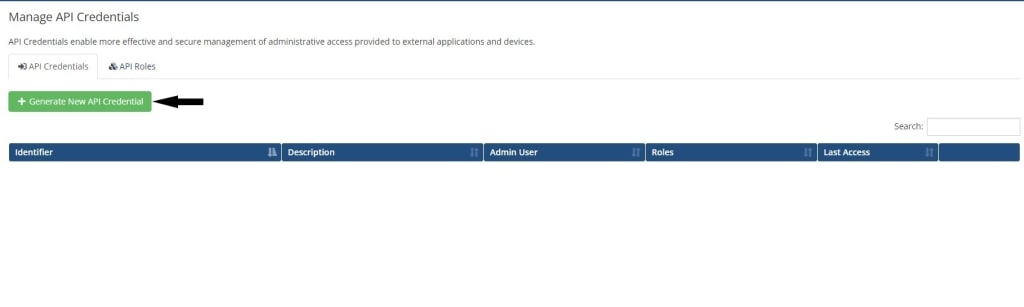
Generate New API Credentials

Step 6:

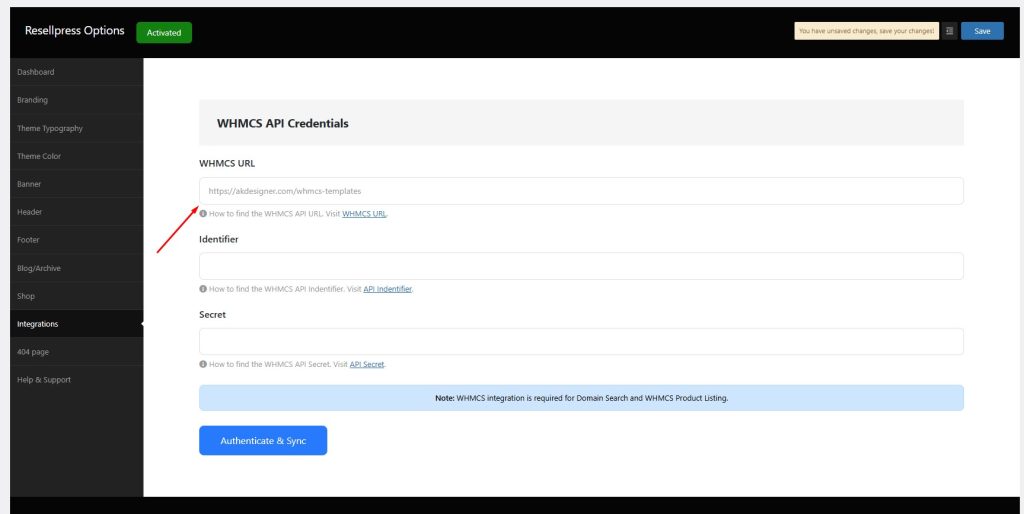
Copy the Identifier and Secret that have now been generated.
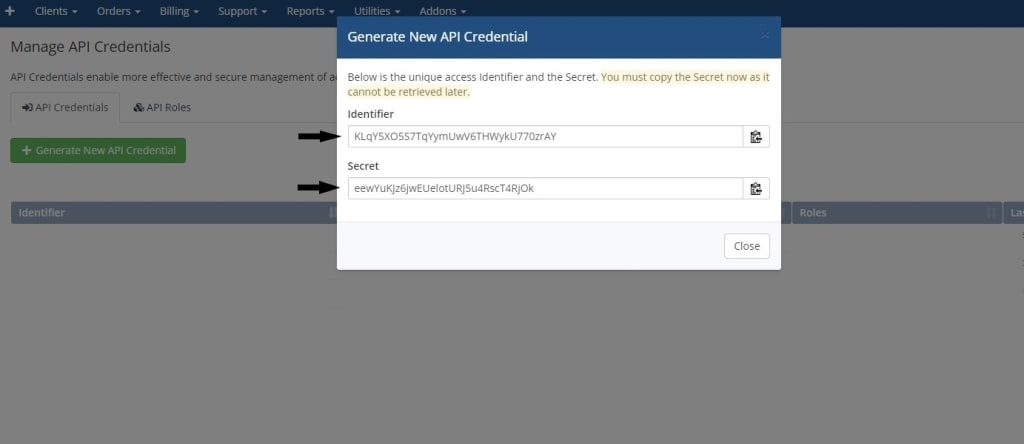
Copy API Identifier and Secret
←How to get WHMCS URL?How to fix IP is blocked?→

gives you all the tools and designs you need to go live and grow faster.