Updated April 8, 2025
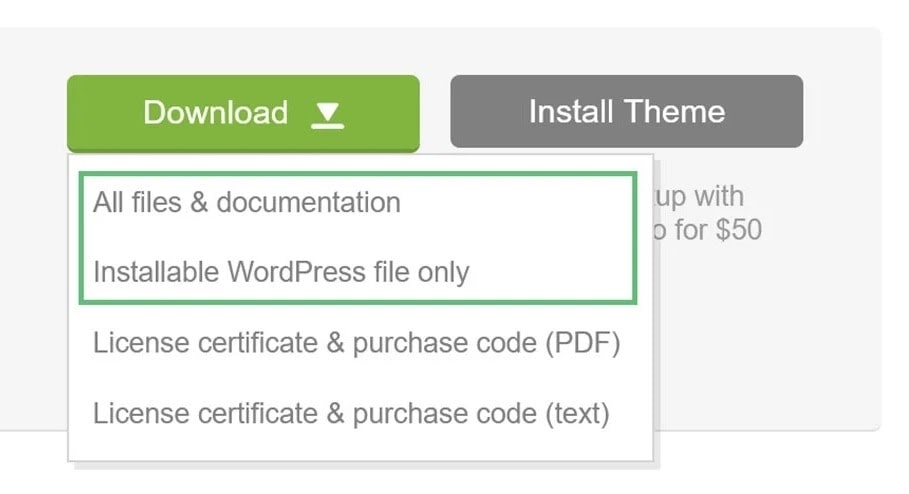
Log in to your ThemeForest account and navigate to the “Download” tab. Locate your purchased theme.
Click the Download button. You can choose:
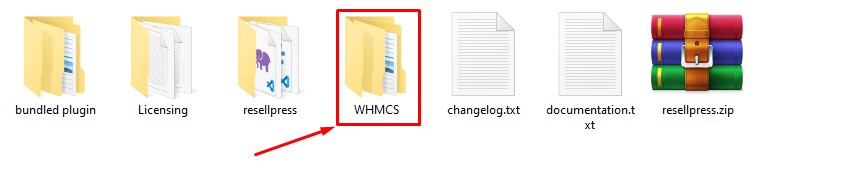
Navigate to Theme folder > WHMCS folder.
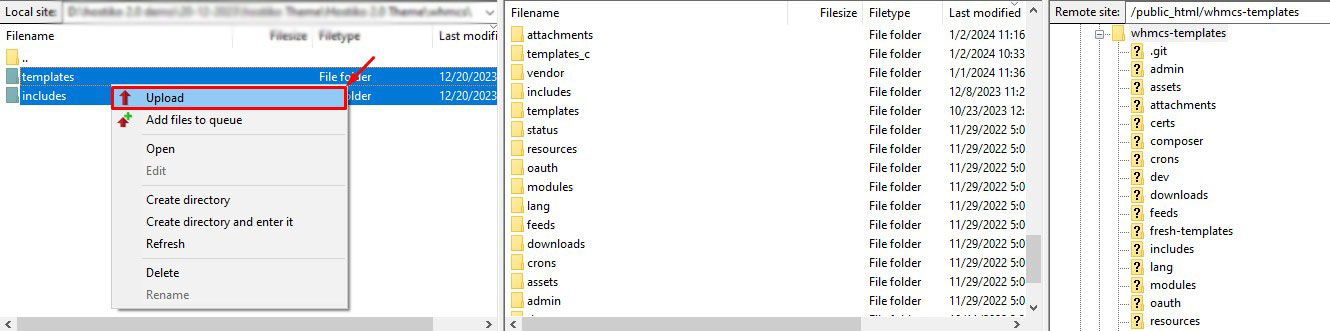
Upload the files from the WHMCS folder to your WHMCS installation directory.
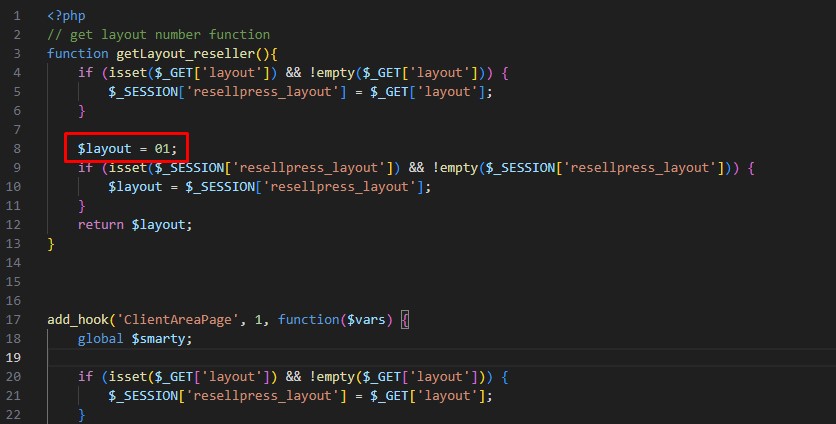
Navigate to includes > hooks > hooks_resellpress.php and ensure the file is uploaded correctly.
Log in to your WHMCS admin and navigate to General > System Theme. Select from the dropdown menu.
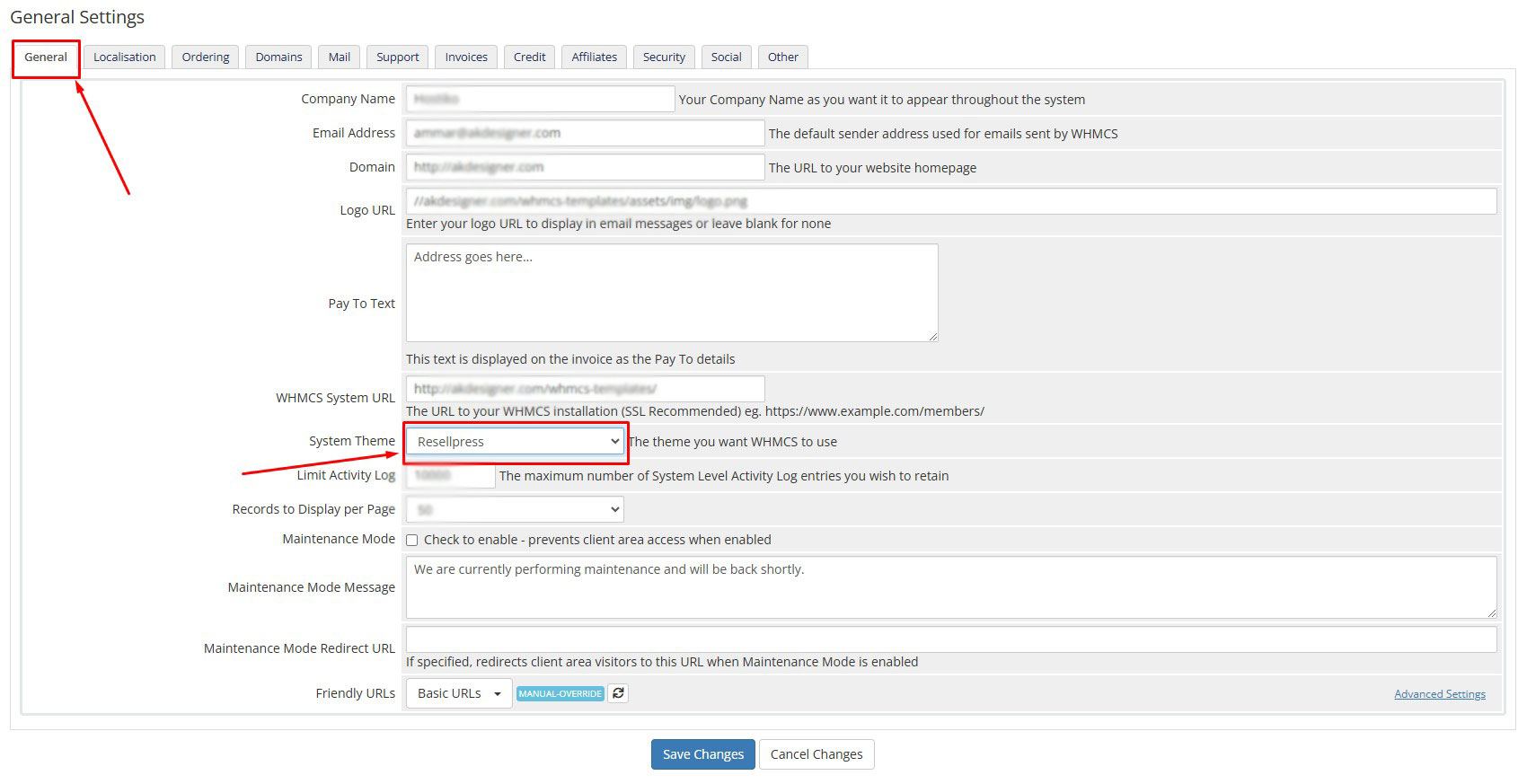
Click Save Changes to apply the theme.
