Updated April 8, 2025
If you are downloading files from ThemeForest for the first time, it is advisable to download the complete Theme Package. This comprehensive package includes documentation for essential plugins associated with the theme, as well as demo files. However, if you have previously acquired the full package, you only need to download the WordPress Essential Files specific to the theme.
Log in to your ThemeForest account and navigate to the “Download” tab. Locate your purchased theme.
Upon clicking the Download button, you have the option to select either the Installable WordPress file only, containing the theme’s WordPress installable files, or opt for the All Files & Documentation, comprising the complete Theme Package.

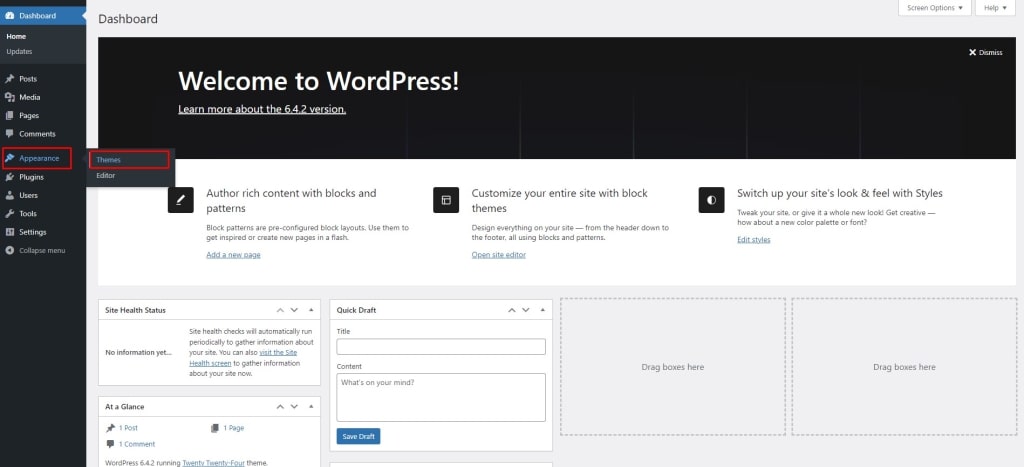
Login to your WordPress website and navigate to Appearance > Themes from the left menu panel.
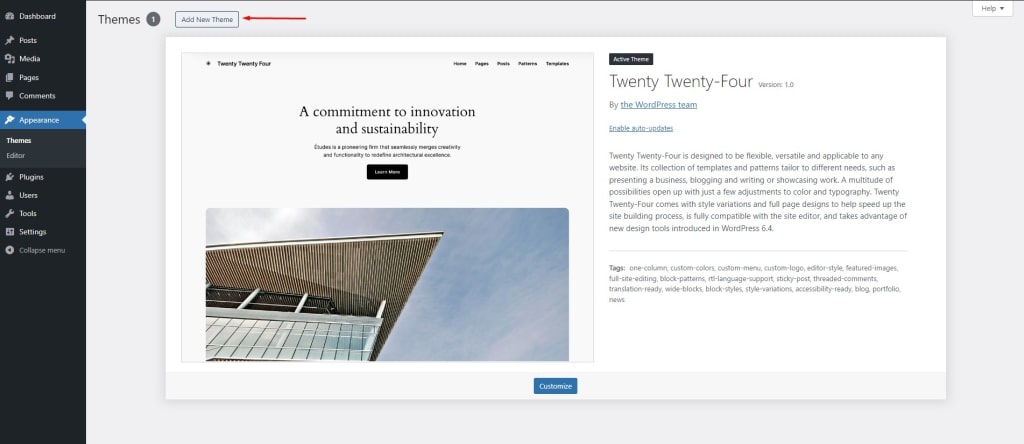
Click on Add New Theme and upload the zip file.
Click on the “Choose File” button and select resellpress.zip file.
Click on the “Install Now” button and your theme will start installing.
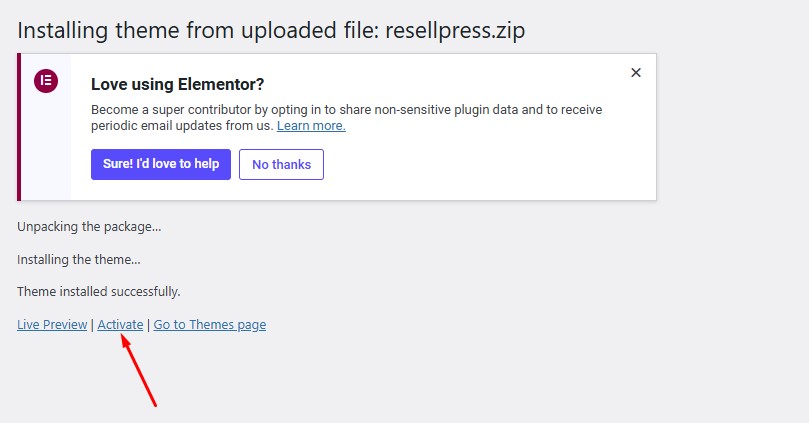
Once your Theme is installed, click on the Activate button to activate the newly installed theme.