Updated April 8, 2025
If you have already downloaded the complete package of from the ThemeForest dashboard then open the zip file and search for the “Hostiko” folder.

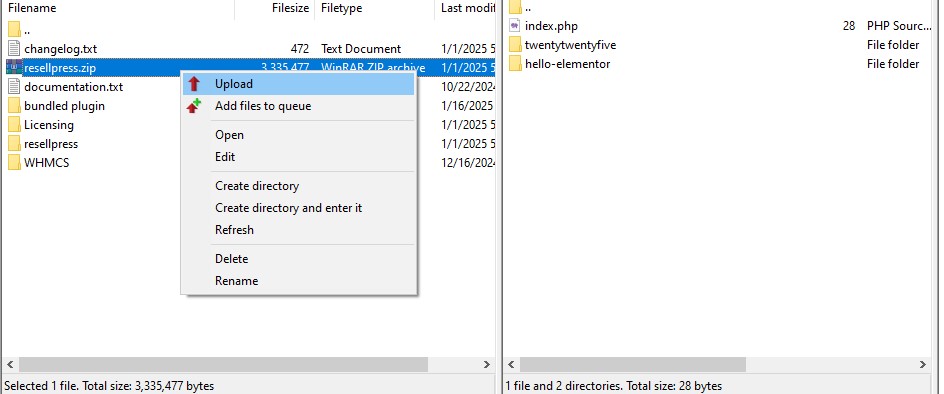
Connect your FTP server using any software like WinSCP or FileZilla.
Go to wp-content > themes folder and upload the unzipped folder there.
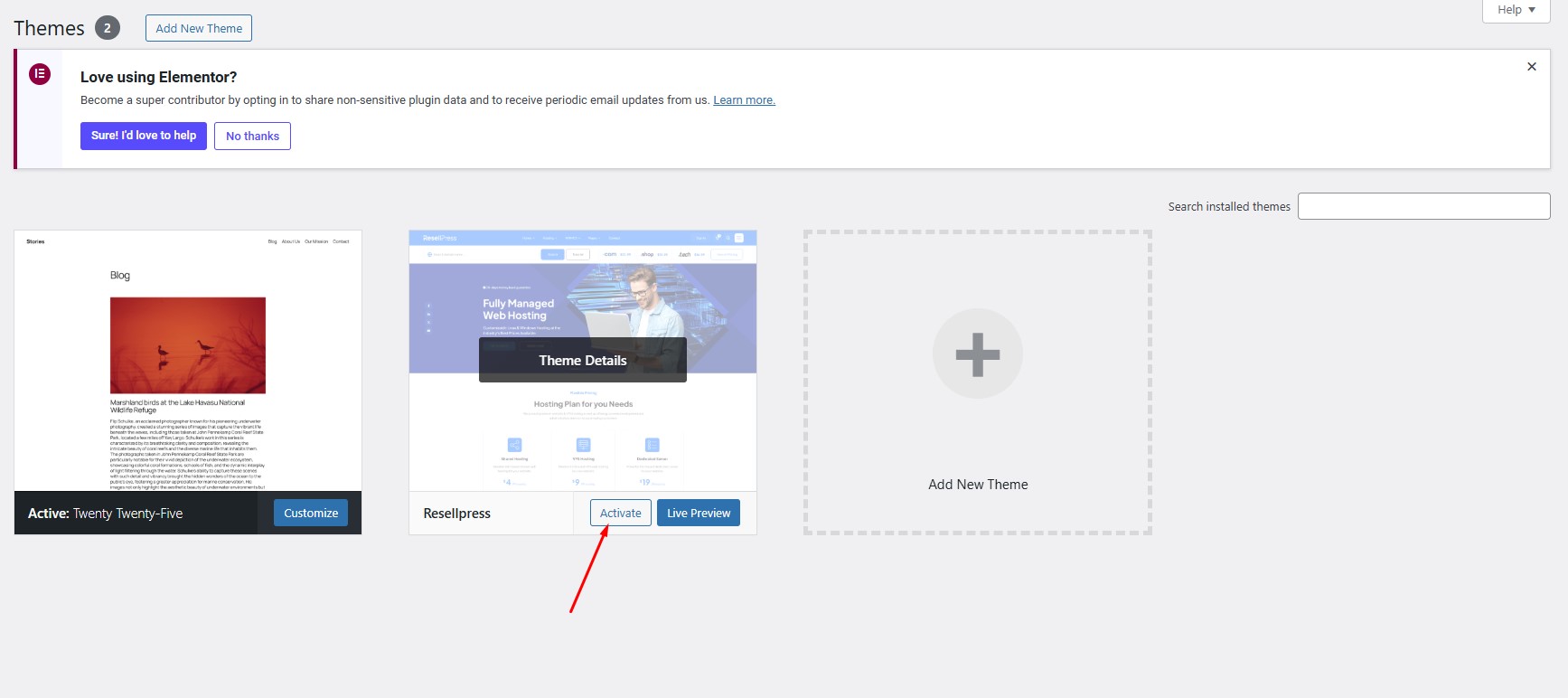
Login to your WordPress admin and navigate to Appearance > Themes and hover over the theme and then click on Activate button to activate the Theme.