Browse our articles and guides to get the most out of our platform.
Updated April 8, 2025
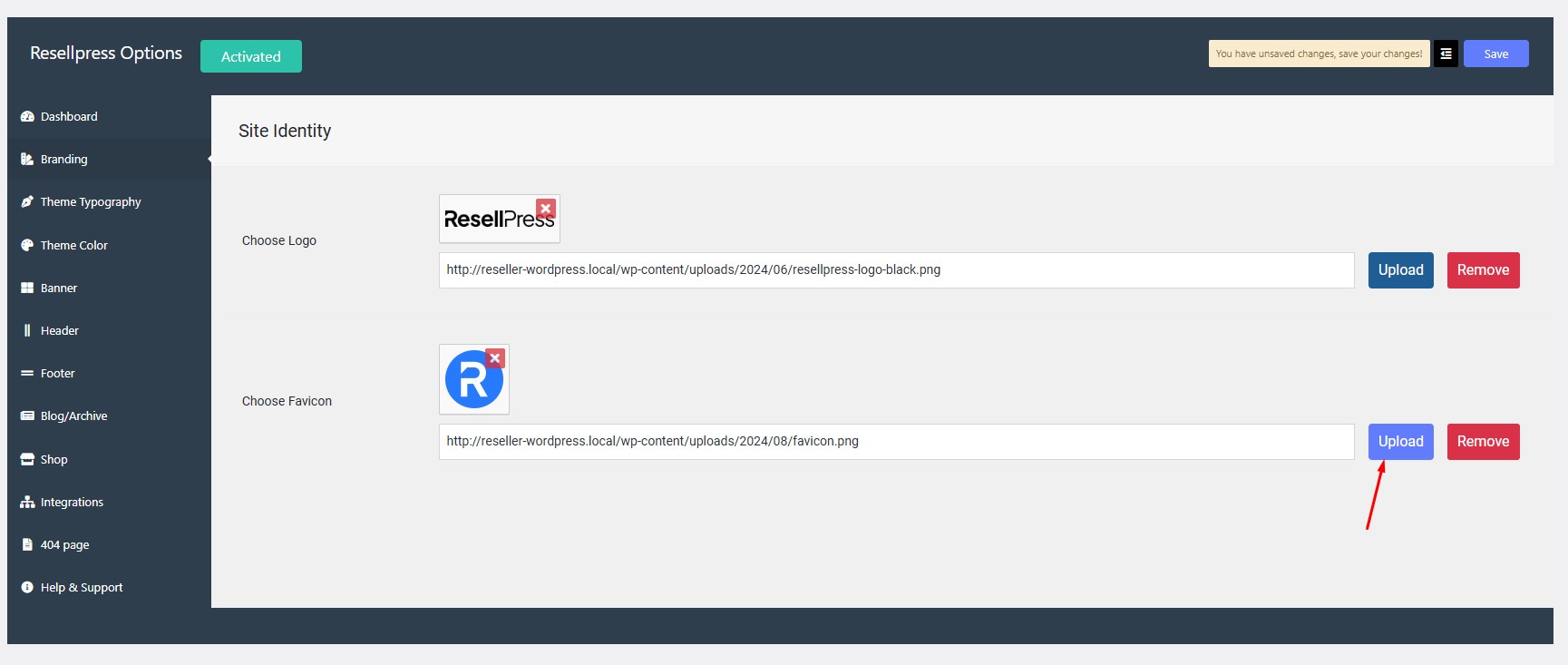
Navigate to Options > Branding > Choose Favicon.
Click on upload button and select the image.
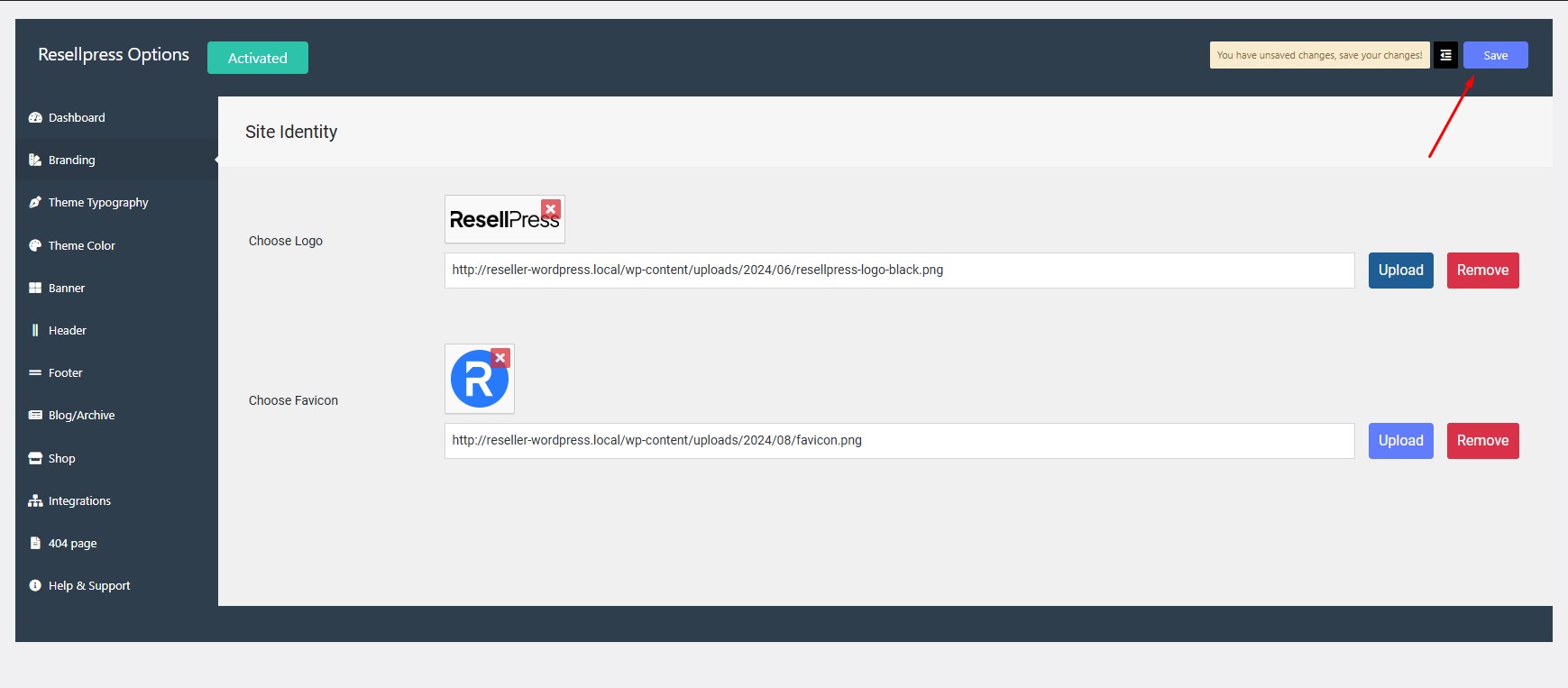
Click on save.
WordPress Demo
AI Chatbot
AI Domain Generator