Browse our articles and guides to get the most out of our platform.
Updated April 8, 2025
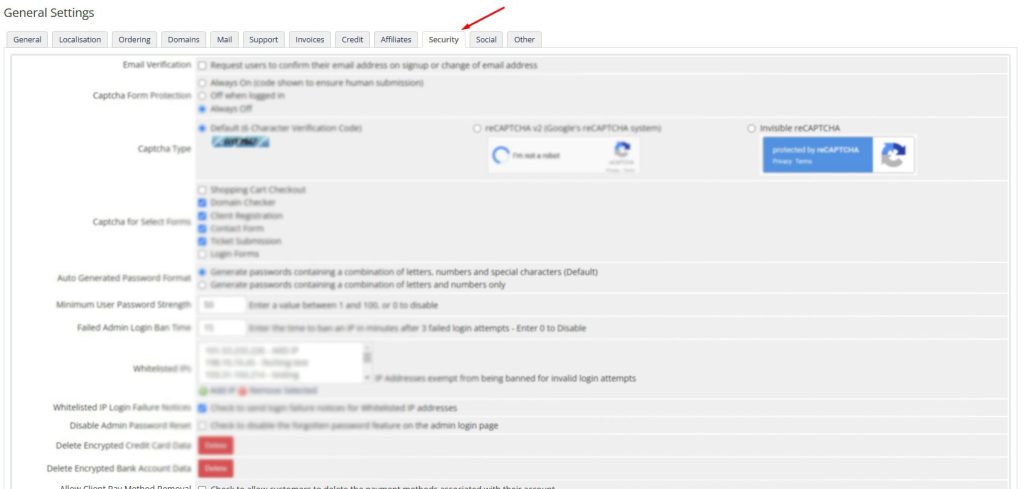
Login to your WHMCS Admin.
Navigate to General > Security.
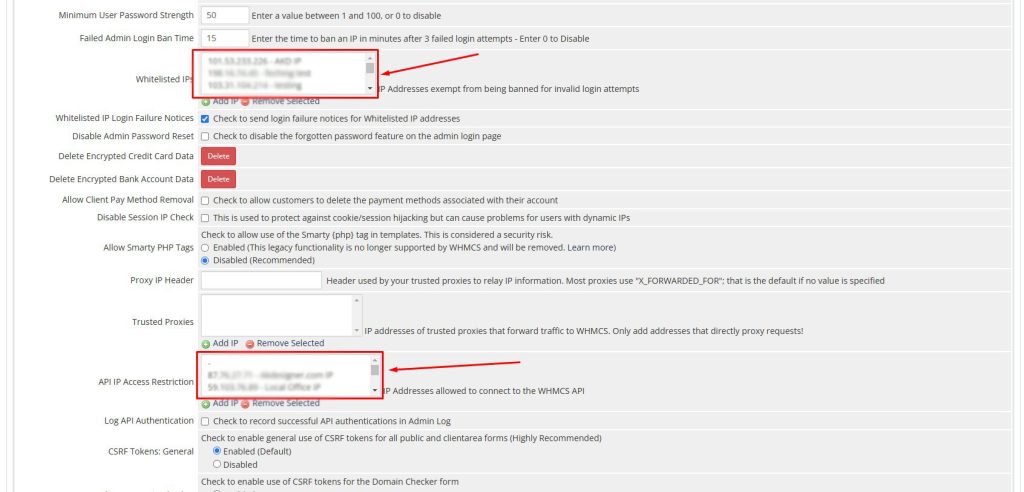
Add your IP address in Whitelisted IP and API IP Restriction.
Click on Save to apply the changes.
WordPress Demo
AI Chatbot
AI Domain Generator